An animal's public profile is the view you can share with another keeper or buyer. Open the animal, check its visibility, and preview what a visitor can see before sending a link.
Prepare the public view
Open the animal's profile and review its visibility. A Public animal can have a shareable page; Private and Lineage Only choices limit what an outside viewer can open. Preview the public profile before sharing a link or QR code. Check the primary photo, identity, morph description, pedigree, and any other visible details. Private notes and internal care context should be reviewed in their own fields rather than assumed to appear or stay hidden automatically.
Review the public animal view
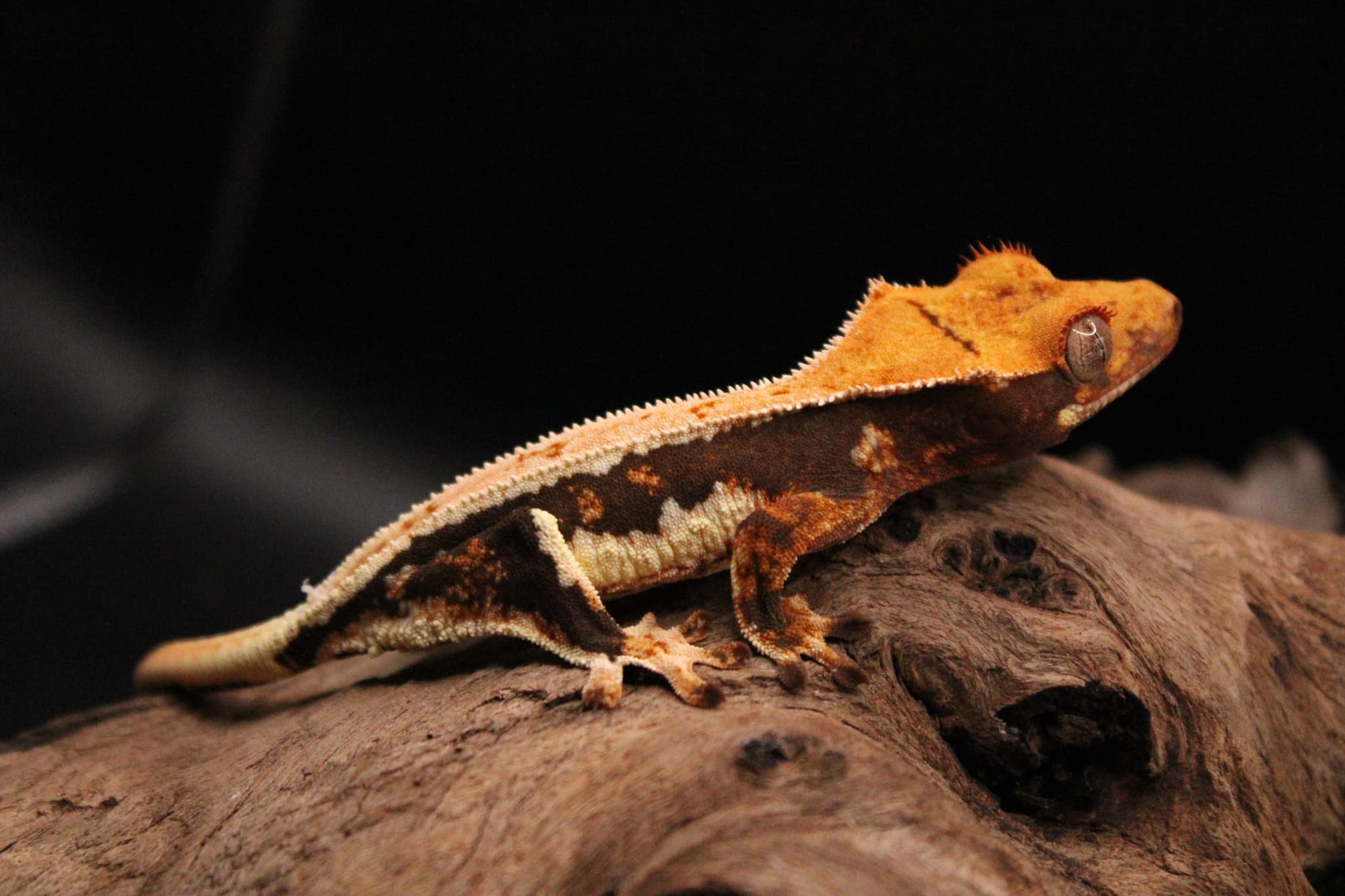
Start and follow a transfer
Use Transfers or the animal's transfer action when you intend to hand a record to another keeper. Verify the animal ID and recipient details, then follow the on-screen send or accept steps. A sent request, an accepted transfer, and a completed ownership change are different states. Check the transfer history and final status before telling someone the record has moved. If a request stalls, confirm the recipient used the intended account and that the transfer is still pending rather than sending another one immediately.
Review an incoming transfer
Keep lineage and access clear
The recipient should be able to identify the animal and understand its documented background. Review parent links and approval state before sharing a pedigree. A public profile can be a useful reference during a sale, but it does not by itself transfer ownership or grant access to private account data. After a transfer, recheck who owns the record, its visibility, and any public link you sent earlier. For a label or event table, test the QR code with a phone to confirm it opens the correct public animal.