ReptiDex keeps animal records, daily care, breeding history, and sharing tools together. You can browse this help area before creating an account. Once you sign in, begin with the collection you want to manage.
Your first animal in the collection
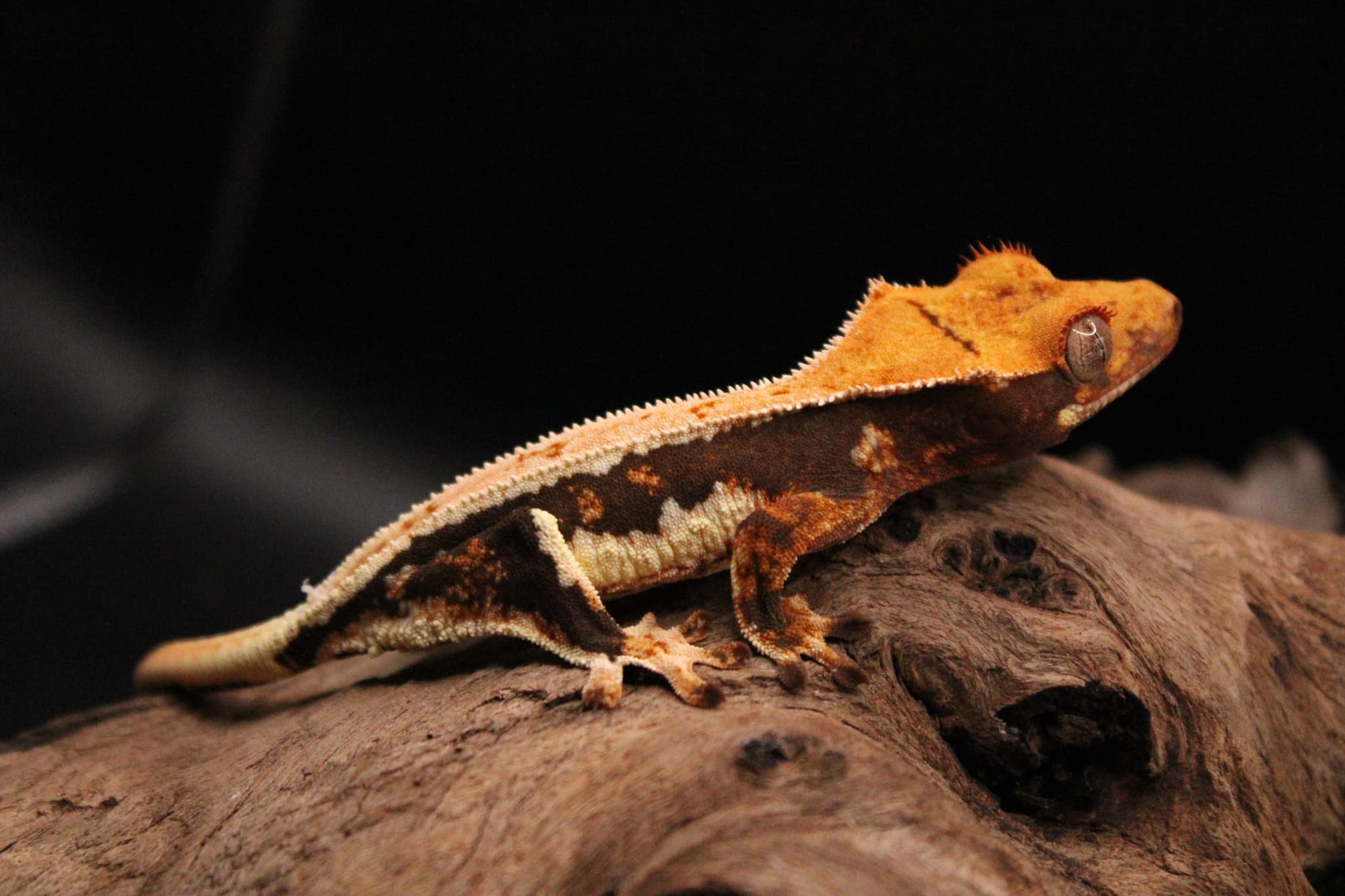
Add a useful first animal
Start with one animal you know well. Give it a stable ID, choose the correct species, and add a name if you use one. You can record sex or birth date as unknown when you do not have evidence yet. After saving, open the profile and add a recognizable primary photo. The animal card in the collection uses that photo, while the profile gallery can hold other views. Add a current weight and one feeding entry so the care history begins with real observations.
Build a daily routine
Today is the quickest way to see work across the active collection. The Weigh-ins Due card leads to animal weights, Feedings Due Today offers a feeding shortcut, and Care Tasks Due lists scheduled work. Upcoming Hatches, environment checks, and recent activity appear when relevant. Open a row to review its context, then record the actual event. Marking a task complete and recording an animal measurement are separate actions. If nothing appears, confirm you are viewing the right collection and that animals or tasks have the information needed to become due.
Build a daily routine in Today
Grow the record at your pace
Use groups when several animals share a project or care routine. Add enclosures and recurring tasks for work you want to repeat. Breeding seasons, pairings, clutches, pedigree links, public profiles, and exports can wait until you need them. The related guides walk through each flow and the limits shown in your account determine which tools are available. A good first-week check is simple: find an animal from the collection, inspect its photo and care history, then use Today to see what comes next.